 MILWATCH PROHome
Review the crosshair MGRS coordinate, range, altitude and search state, then change the coordinate format.
FIELD GUIDE
MilWatch Pro Field Manual
Scan the core capabilities, then open the detailed manual for real screens and guided steps.
CHAPTER 01
Start with coordinates and maps
Confirm your position and choose the coordinate format you need.
Review the coordinate format and map area before heading into the field.

CHAPTER 02
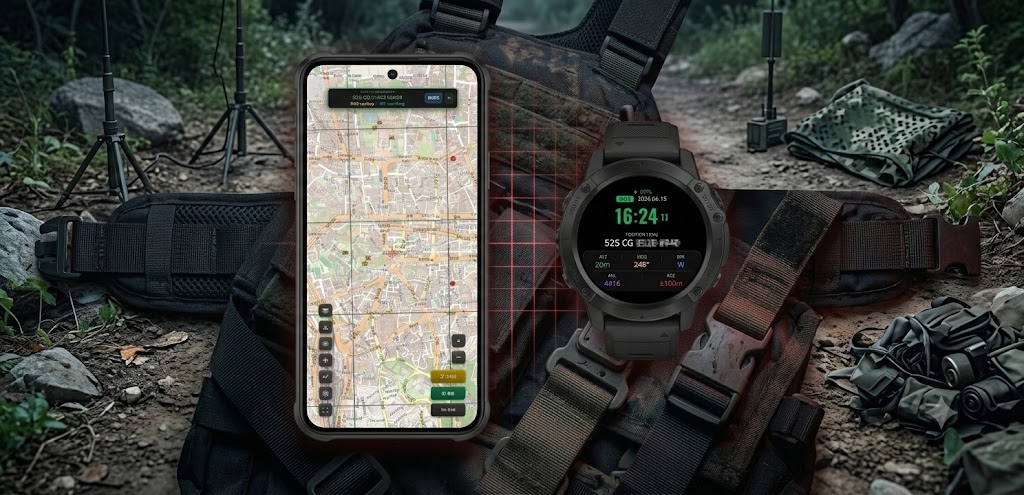
Connect phone and watch
Confirm the connection between your phone and Wear OS watch.
Open MilWatch Pro on both devices and try sending a target and return point.
CHAPTER 03
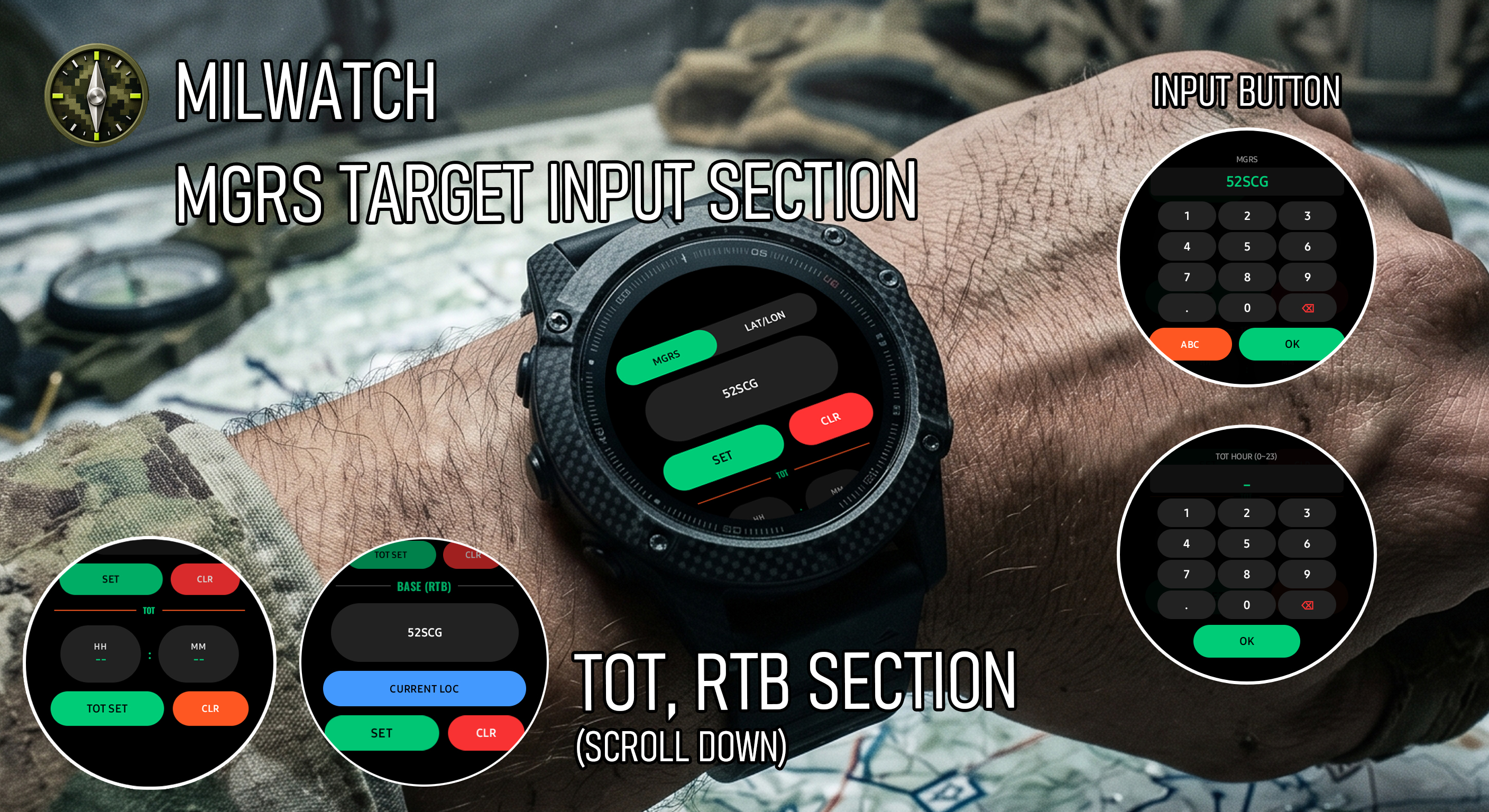
Operate TGT, RTB and TOT
Prepare targets, return points and mission timing.
Set the target coordinate and time on target, then save a separate return point.
CHAPTER 04
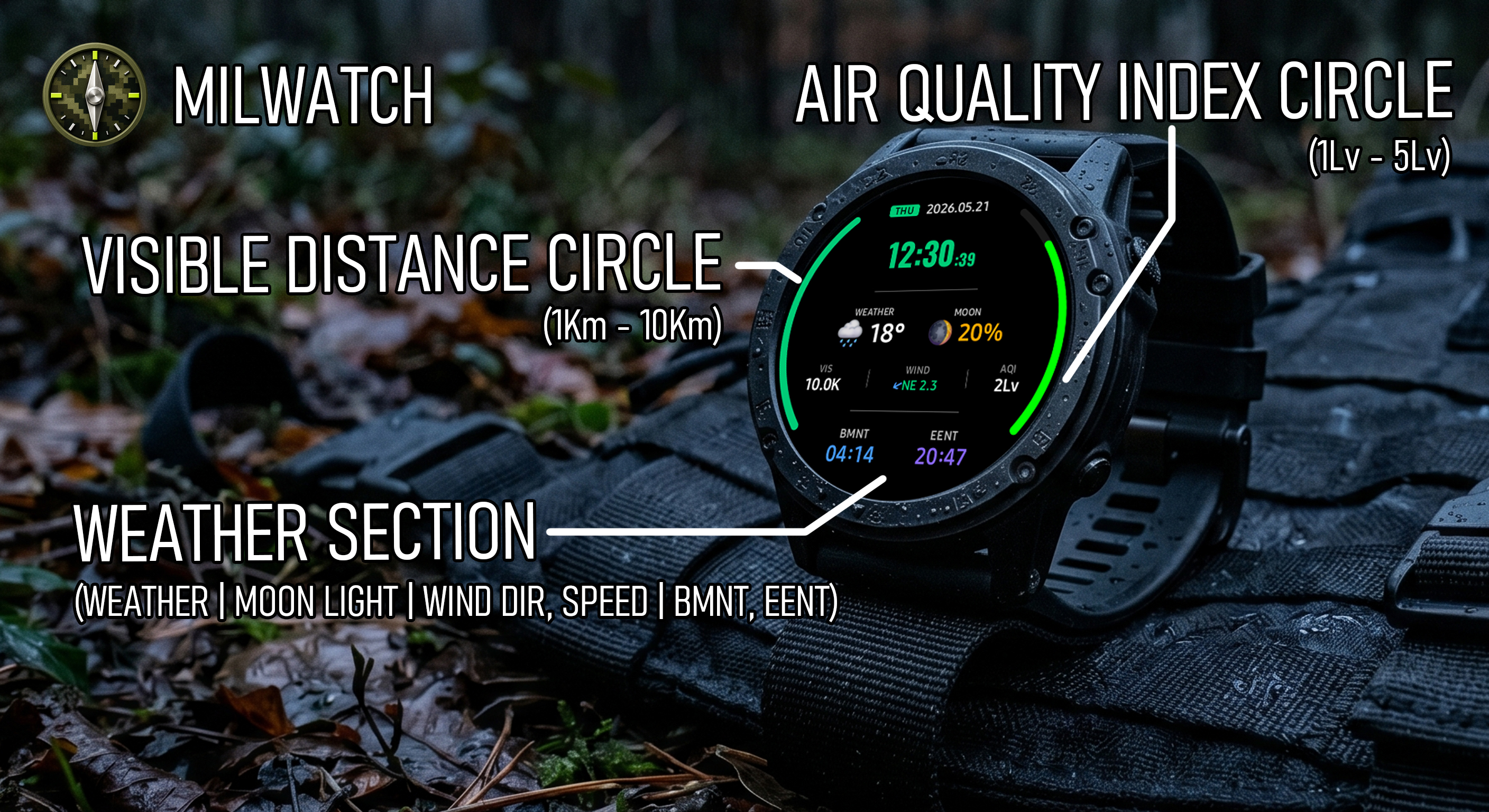
Use weather and night mode
Use weather data and low-light displays safely.
Check weather when connected and use the red filter and stealth view at night.